Overview
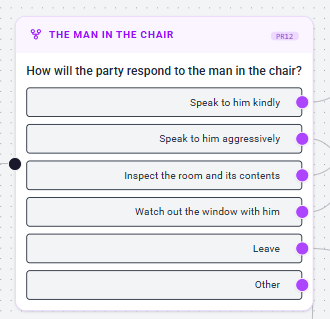
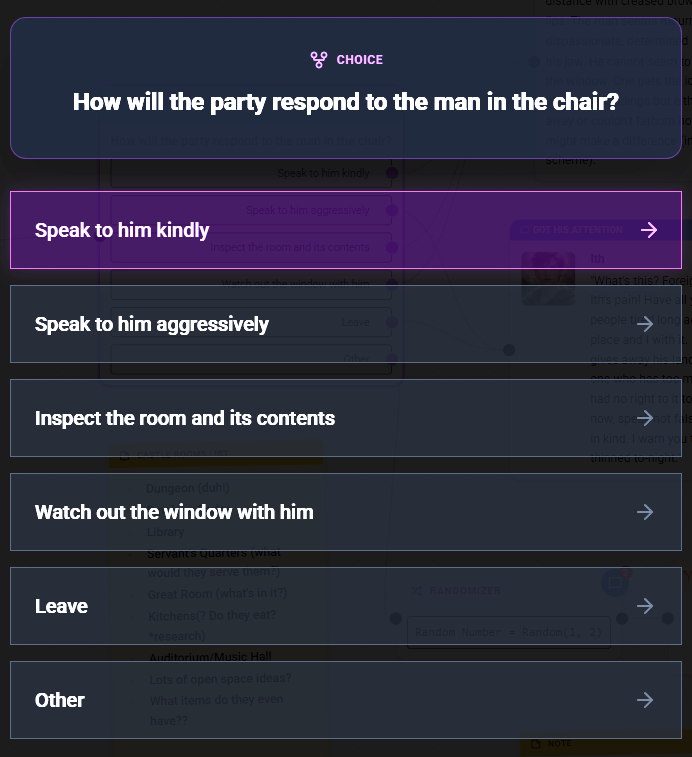
Player Choice Nodes are the interactive branching points of your game. They present the player with a list of options to choose from, allowing them to influence the direction of the story or gameplay.
Configuration Steps
1. Text Codes (Advanced)
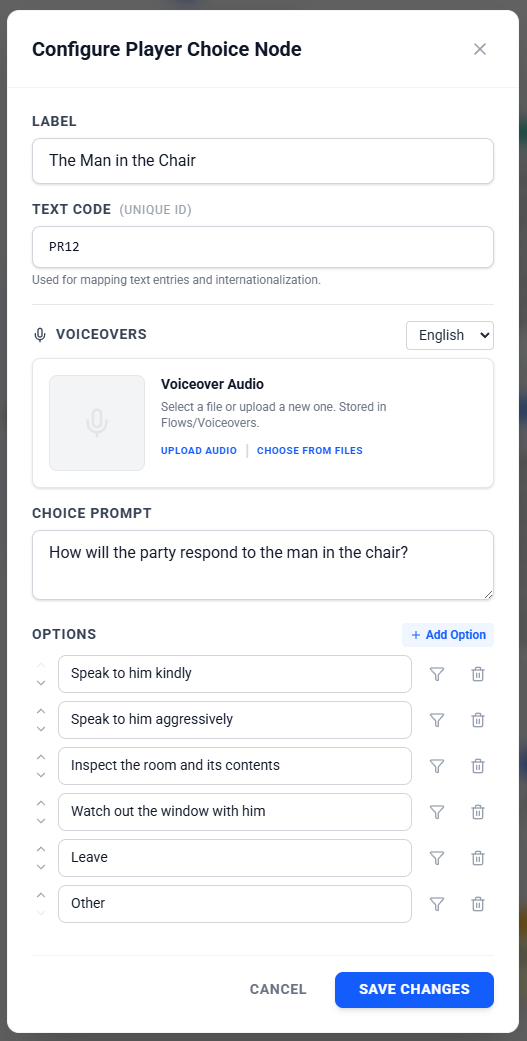
Similar to Dialogue and Description nodes, you can assign a Text Code to the Player Choice node. This is useful for mapping the prompt text within the Translation Workbench.
2. Voiceovers (Optional)
You can attach audio files to the node. This is often used to voice the "Prompt" question (e.g., the narrator asking "Which path will you choose?").
- Language Support: Supports multiple languages for localization.
3. The Prompt
This is the question or situation presented to the player.
- Text: Enter the main text for the choice menu (e.g., "Which path do you take?").
4. Options
You can define multiple answers for the player to select.
- Add Option: Create as many choices as needed.
- Reorder: Use the arrow buttons to change the order in which options appear.
- Connect: Each option creates a new output handle on the node. Connect these handles to different parts of your Flow to create branching paths.
5. Conditional Choices
You can limit the availability of specific options based on the game state (e.g., hiding a "Bribe Guard" option if the player has no gold).
How to Set Conditions:
- Find the specific option you want to restrict in the configuration list.
- Click the Filter Icon button next to that option.
- A Condition Builder will appear.
- Define your rules (e.g.,
Player.Gold>50). - If the condition is met, the option will be visible to the player.
- If the condition is not met, the option will be disabled.
Common Use Cases
Branching Narrative
- Alignment: "Save the village" vs "Burn the village".
- Romance: Choosing which character to pursue.
Gameplay Mechanics
- Skill Checks: Only show "Pick Lock" if
Player.Level> 5. - Shop/Trading: "Buy Potion (10 Gold)" (Condition:
Gold>= 10).
Was this article helpful?
That’s Great!
Thank you for your feedback
Sorry! We couldn't be helpful
Thank you for your feedback
Feedback sent
We appreciate your effort and will try to fix the article